Awen Update — Getting Pong Running on Wayland
Written by, Funnan on March 28, 2026
Building Awen’s Pong demo on Linux turned into a longer adventure than expected — all because my Ubuntu instance was running Wayland. Here’s the full story.
The First Run
I ran the binary and immediately hit a segfault:
WARNING: GLFW: Error: 65550 Description: X11: Failed to open display :0
WARNING: GLFW: Failed to initialize GLFW
Segmentation fault (core dumped)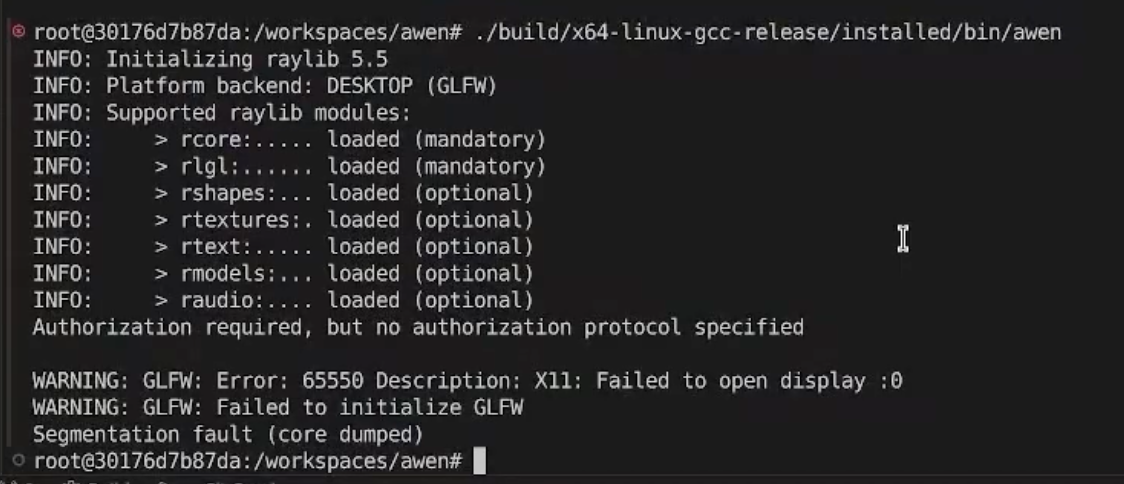
GLFW was trying to connect to an X11 display server that didn’t exist. That raised the obvious question: what display protocol is this machine actually running?
echo $XDG_SESSION_TYPEOutput: wayland. The Dev Container’s Ubuntu instance was running Wayland, and GLFW had no idea.
Raylib, GLFW3, and the Wayland Feature Flag
A search through the Raylib GitHub repo for “wayland” surfaced the answer: Raylib delegates window creation to GLFW3, and GLFW3 ships a wayland feature that has to be explicitly enabled. Out of the box, vcpkg only builds the X11 backend.
The fix in vcpkg.json was straightforward:
{
    "name": "glfw3",
    "features": [
        "wayland"
    ]
}
Adding that dependency forces vcpkg to rebuild GLFW3 with Wayland support compiled in. Two new system-level packages are also required for GLFW3’s Wayland backend:
sudo apt-get install libwayland-dev libxkbcommon-devI used the x64-linux-gcc-release preset and did a clean rebuild to make sure the new feature flags were picked up.
No Title Bar
After the rebuild, Awen launched — but the window had no title bar.
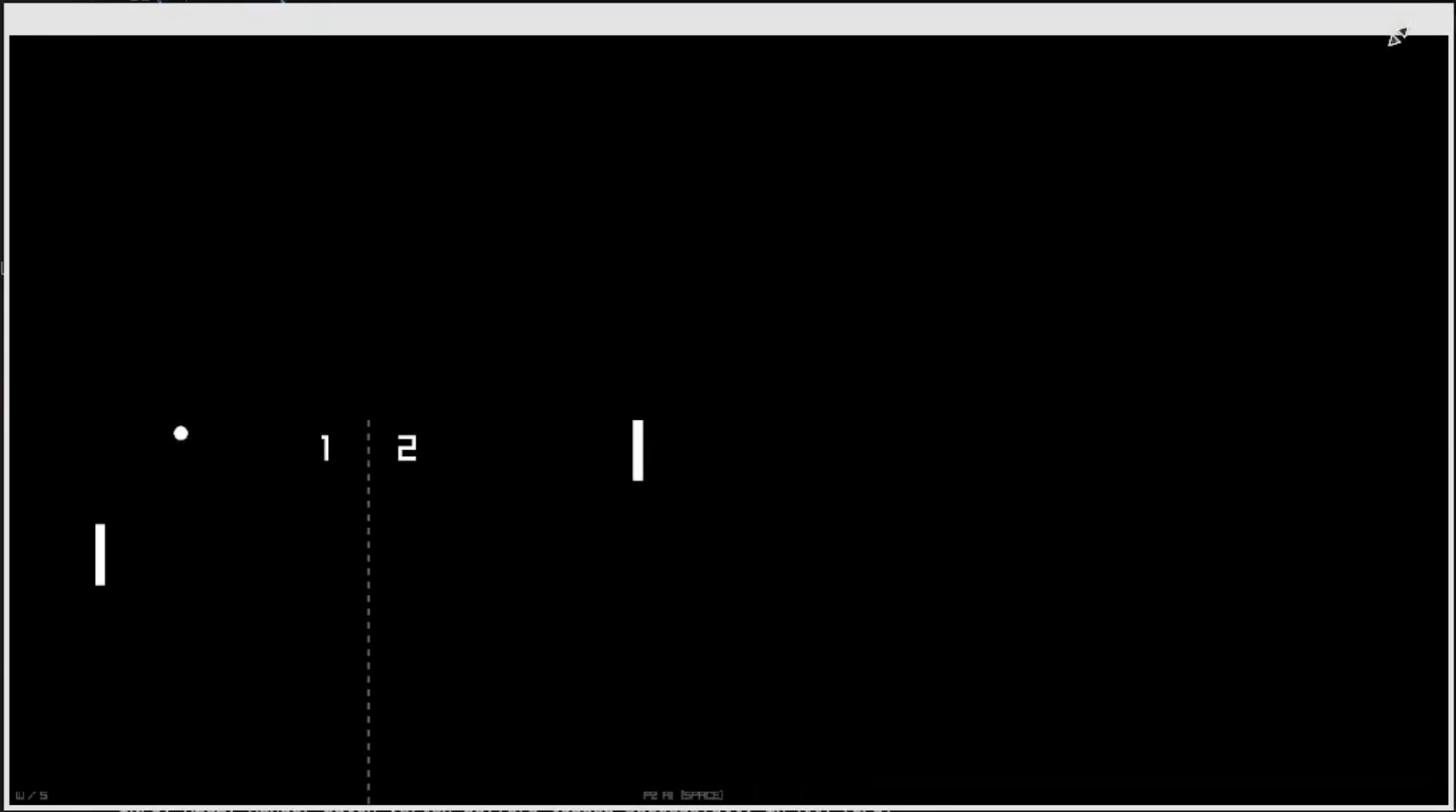
The missing title bar led me to libdecor, which is the library responsible for client-side window decorations under Wayland. Unlike X11, where the window manager draws your title bar for you, Wayland applications are expected to draw their own decorations unless the compositor provides server-side ones. Without libdecor, you get a bare window with no chrome.
sudo apt-get install libdecor-0-devThat brought the title bar back.
Keeping the Dockerfile in Sync
Every package I installed on the host I also added to the Dev Container Dockerfile at .devcontainer/linux/Dockerfile, so the container environment stays reproducible:
 RUN apt-get update && apt-get install -y --no-install-recommends \
     libxinerama-dev libxcursor-dev xorg-dev libglu1-mesa-dev pkg-config \
-    libgl1-mesa-dev libx11-dev libxrandr-dev \
+    libgl1-mesa-dev libx11-dev libxrandr-dev libwayland-dev libxkbcommon-dev \
+    libdecor-0-dev \
     && rm -rf /var/lib/apt/lists/*
The point of the Dev Container is a one-command environment. If the host needs it, the container gets it too.
High-DPI Scaling on a 4K Display
With the title bar sorted, there was one more problem: the rendered content wasn’t filling the window correctly. The game elements were crammed into the top-left quarter of the window, and the score digits had collapsed into tiny squares.
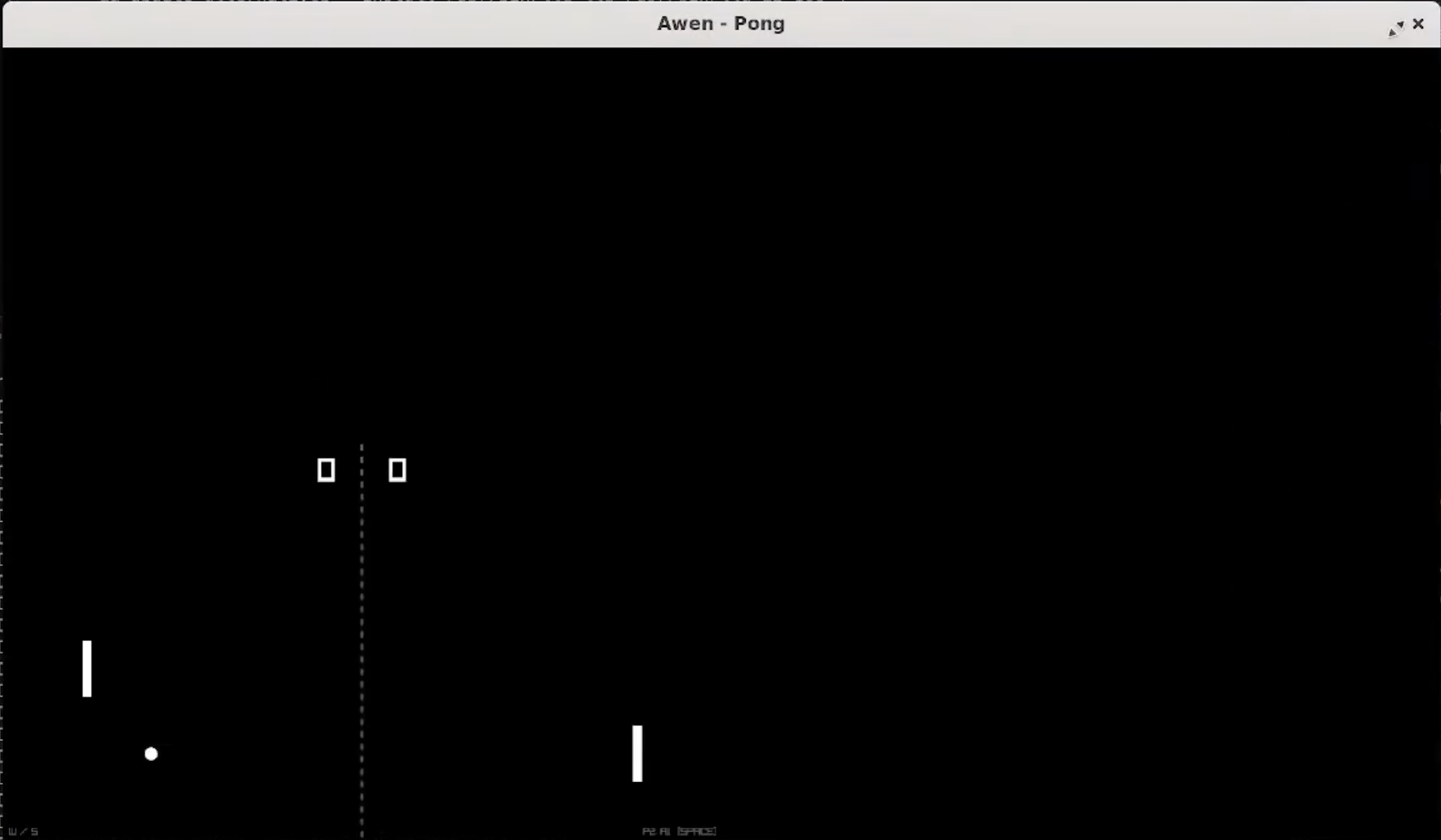
The cause: I’m on a 4K display with 200% scaling set in Ubuntu. Wayland reports the logical window size to the application, but the actual framebuffer is twice that in each dimension. Raylib was rendering at logical resolution and the compositor was scaling it up, which is why everything looked small and pixelated.
Raylib has a flag for exactly this:
auto engine = awn::Engine{
    "Awen - Pong",
    init_width,
    init_height,
    {ConfigFlag::resizable, ConfigFlag::high_dpi}
};
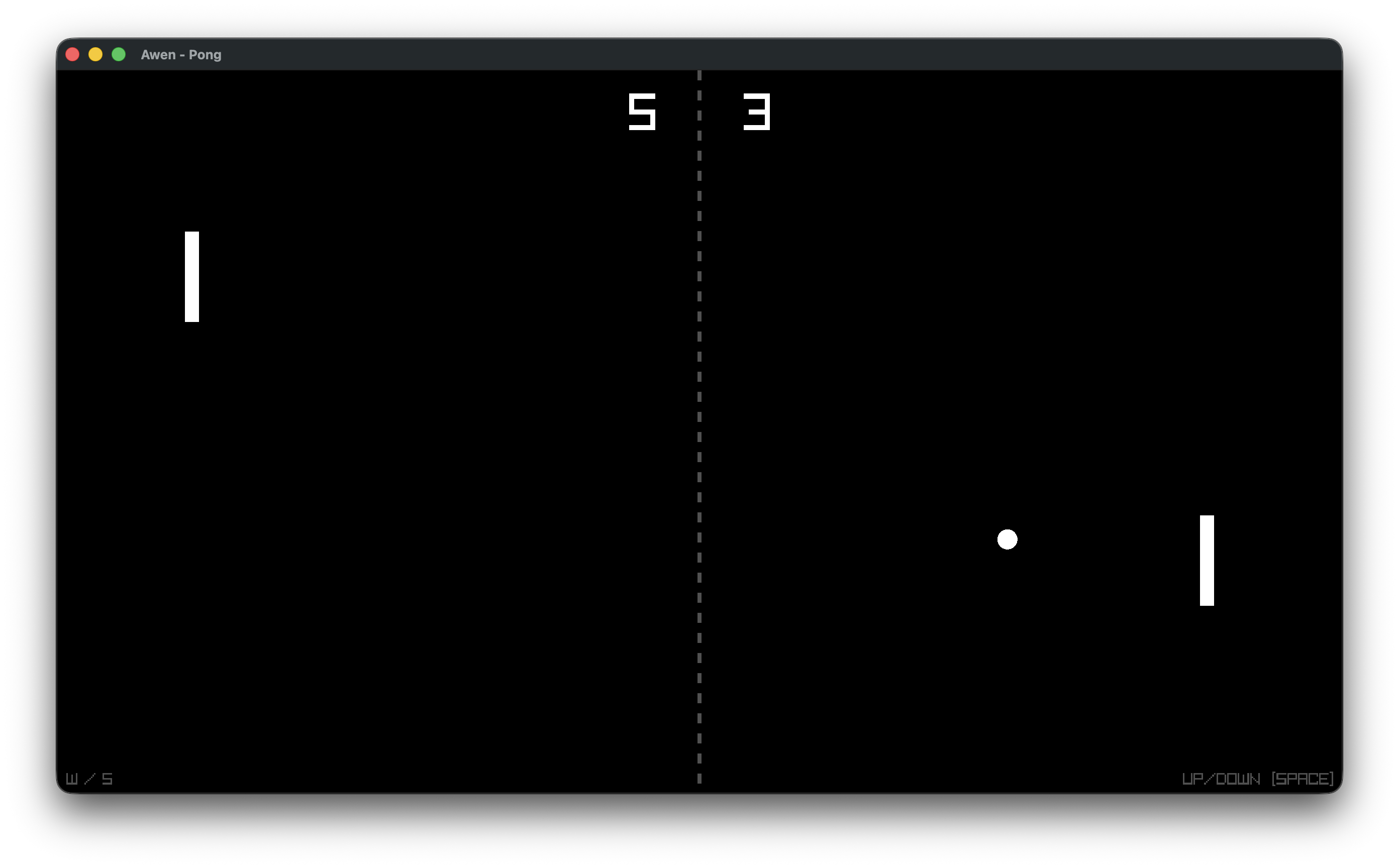
Adding ConfigFlag::high_dpi tells Raylib to scale the framebuffer to match the physical display resolution. Everything snapped into place.
What’s Next
With Pong running cleanly on Wayland, the next target is getting it running in the browser via WebAssembly — that’s a story for the next post.
If you want to watch the development happen live, I stream at twitch.tv/funnansoftware. The full walkthrough of this work is on YouTube and the source is open at funnansoftware/awen.